Best free auto clipping software for PC gaming


Have you ever wanted to capture highlights (think "play of the game") automatically? Landed the perfect headshot, scored the clutch goal or ace, and realized you forgot to clip it? That’s where auto clipping software comes in. These tools record your best in-game moments automatically, so you can focus on the game and enjoy the highlights afterwards.
There are multiple softwares on PC that allow you to accomplish this, commonly referred to as "auto clipping", which detects and records clips of key moments in games like Fortnite, League of Legends, and Rocket League. In this guide, we’ll explore the best free auto clipping software for PC gaming, why we recommend Medal for auto clipping on PC, and how it compares to other options like Outplayed, Movavi, and Powder.
(Feeling lost? Check this intro to easily screen recording your PC games.)
Why Medal is the largest game clipping platform
When it comes to truly automatic game capture, Medal is the largest game clipping platform, with over 20 million monthly active users, for several reasons:
1. True game event detection
Medal doesn’t just record random gameplay; it detects the specific in-game events that you want and captures those moments automatically. From Fortnite victories and Rocket League goals to League of Legends aces, Medal knows when something great happens and saves it instantly with no lag or extra work for you.
2. Custom triggers
FiveM server owners can even create custom auto clip events, perfect for roleplay servers or esports setups.
3. Expansive game support
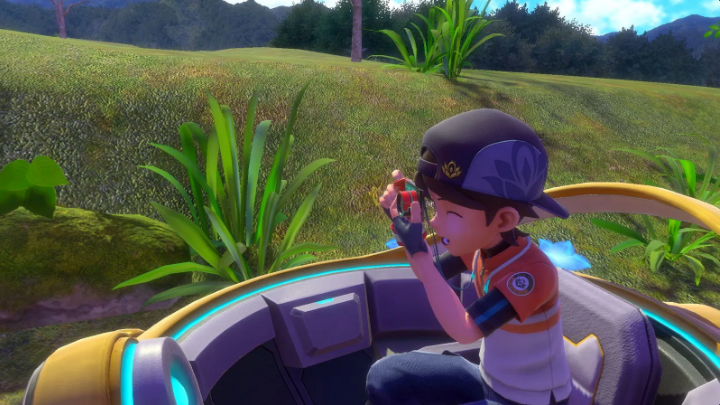
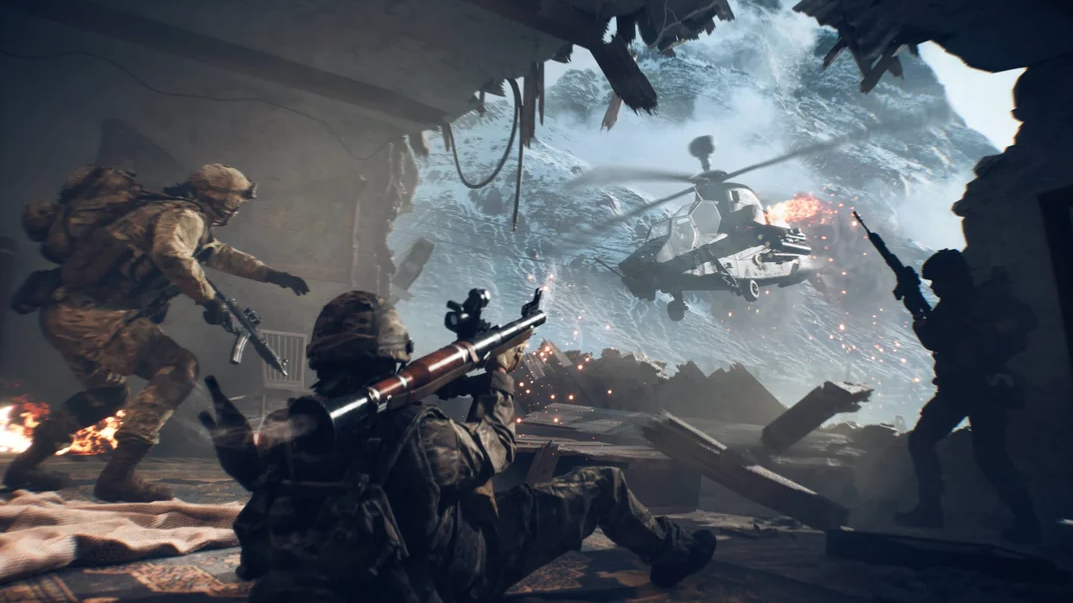
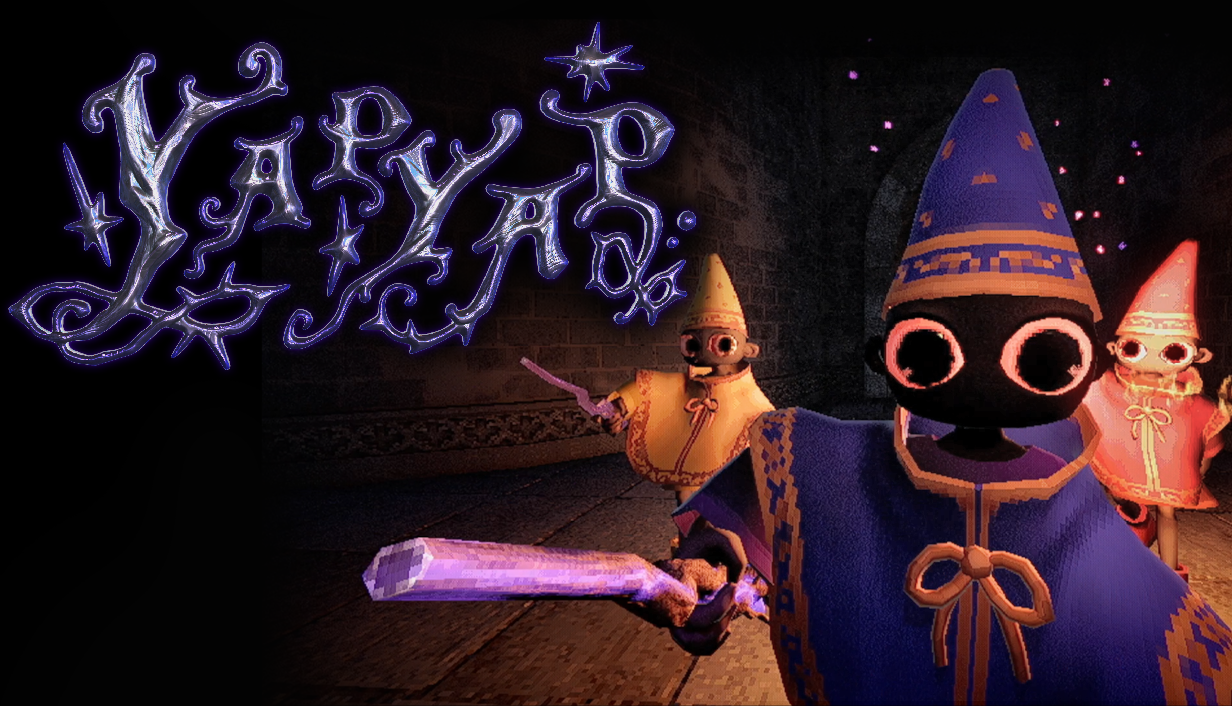
Medal supports major titles like Fortnite, League of Legends, Rocket League, Counter Strike 2, Dota 2, EA Sports FC Online, GTA V, Minecraft, PUBG, Rematch, REPO, Roblox, Runescape: Dragonwilds, Valorant, War Thunder, and YAPYAP, with more being added all the time.
4. Easy sharing
Your best plays deserve more than a hard-to-find folder taking up precious drive space. Medal lets you trim, tag, edit, and share directly to social platforms or friends, all from the same place. It even generates a URL for you to easily share; no need to upload to YouTube or run into Discord filesize limits. Once you upload your clip to Medal, there's no need to keep the file, totally freeing up your disk space!
5. 100% free
Unlike complex recorders, complicated setups, or paid software, Medal is free, lightweight, and easy to use. Just download and choose your auto clipping events.
How auto clipping works on Medal
- Download Medal for Windows
- Go to Settings → Auto Clipping
- Find your favorite games and choose which events to capture (e.g. wins, kills, goals, or aces)
- Play your game! Medal automatically records those events if and when they happen
- Review, edit, and share your clips in seconds; Medal handles the uploading and everything for you
Since Medal uses retroactive recording, your captured clip includes the play and what happened just before it, instead of recording after the play happened.
Why automatic clipping vs. traditional recording?
Manual recording tools like OBS or Xbox Game Bar can work, but only if you remember to use them. Auto clipping eliminates that stress since it's always ready to capture your intended events, not just when you rememebered to start recording.
Whether you’re streaming, clipping and editing montages, or just reliving your greatest plays, auto clipping makes your clip-gathering process effortless.
Other auto clipping software options (2025)
Outplayed (by Overwolf)
Outplayed automatically records highlights. It is an Overwolf app, so the Overwolf platform installs and runs alongside it.
Insights Capture
Focused on team analysis and performance review, Insights Capture does solid highlight detection, but leans specifically towards esports analytics, not social sharing.
Powder AI
Powder uses AI to find moments in your gameplay and generate clips for social media. It’s promising, but still experimental and more resource-intensive than many tools.
Gecata by Movavi
Gecata is simple and reliable for manual recording, but it doesn’t do real auto clipping. You’ll need to press record manually or trim footage afterward.
Conclusion
When it comes to free auto clipping software for PC gaming, Medal is the largest game clipping platform, with over 20 million monthly active users. It captures your highlights automatically with minimal lag, and comes with everything you need to trim, edit, upload, and share your clips. Whether you’re grinding ranked in League, chasing clips in Fortnite, or scoring goals in Rocket League, Medal ensures your best moments are always saved.
Download Medal for free and start capturing your highlights automatically!
FAQ
Q: Does Medal auto clip every game?
A: Medal supports many major titles and adds more all the time. You can also request games or set up custom triggers for modded servers like FiveM. And if your game isn’t listed? Medal adds support frequently: request your favorite games on the Feedback Forum!
Q: Which titles does Medal auto clipping support?
A: Medal supports the following games, with more being added regularly: Fortnite, League of Legends, Rocket League, Counter Strike 2, Dota 2, EA Sports FC Online, GTA V, Minecraft, PUBG, Rematch, REPO, Roblox, Runescape: Dragonwilds, Valorant, War Thunder, and YAPYAP.
Q: Does Medal cost anything?
A: No, Medal’s auto clipping is free. Some optional features may be part of premium plans, but clipping, recording, and sharing are included.
Q: Will auto clipping affect performance?
A: Medal is optimized for gaming and uses lightweight background recording. Most users notice little to no FPS drop.
Q: Is Medal different from Outplayed or Movavi?
A: Medal is one standalone app: game event detection and zero-input auto capture, a built-in editor, share links, and a mobile app, with no platform layer underneath. Outplayed runs on the Overwolf platform, and Gecata by Movavi is a manual recorder rather than an auto clipper.
Q: I'm a dev! How can I get my game set up with auto clipping in Medal?
A: Check our documentation here to customize events from your game to trigger within Medal!